
Omnichannel Contact Center
Configuration: Special Days
Reading time | 2 minutes
About
The special days lists allows you to route the call to a different destination from the default routing plan in your line, or route to a different available node when the call arrives to an Extension during the days you added in the list.
Where you can apply the Special Days?
Extensions
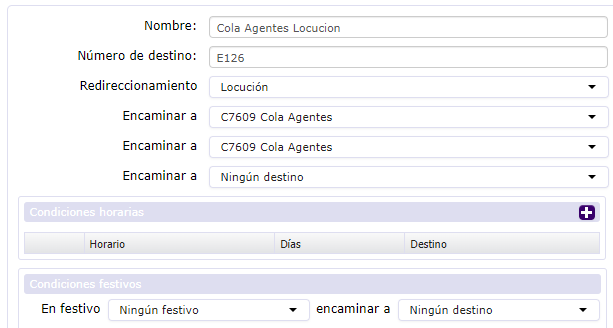
👈 See Holidays Conditions in your extension in order to select the Special days list and select the destination to route the call during the days you added on the list.
Líneas
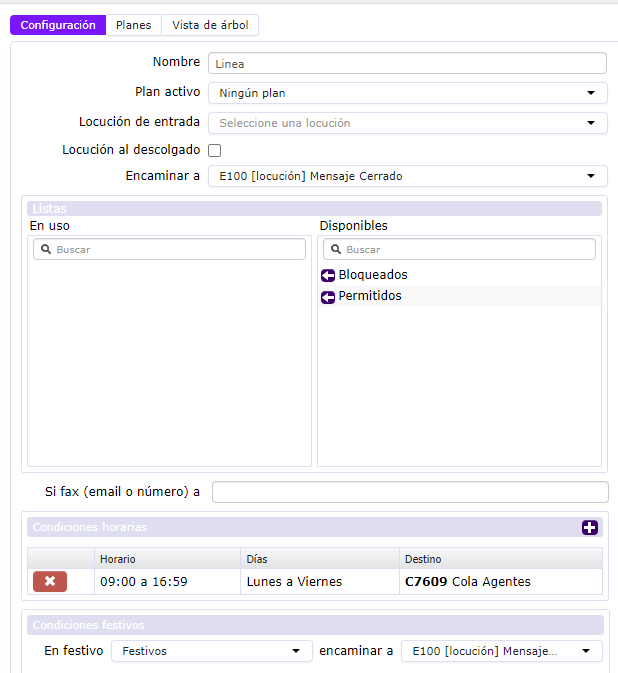
👈 See Holidays Conditions in your Line in order to select the Special days list and select the destination to route the call during the days you added on the list.
Add a new list
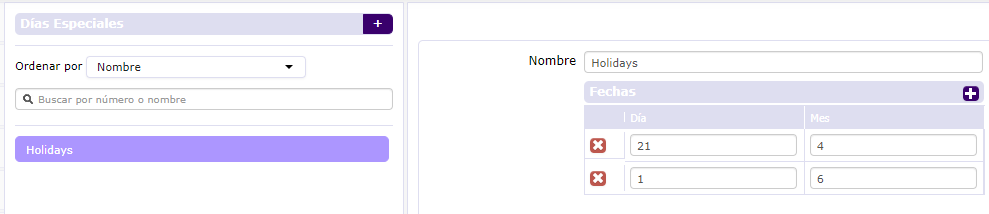
👈 In order to create a new Special Days list, click on ➕ to create an empty list. Write the name of the list and add the desired days.