
 7 min
7 min
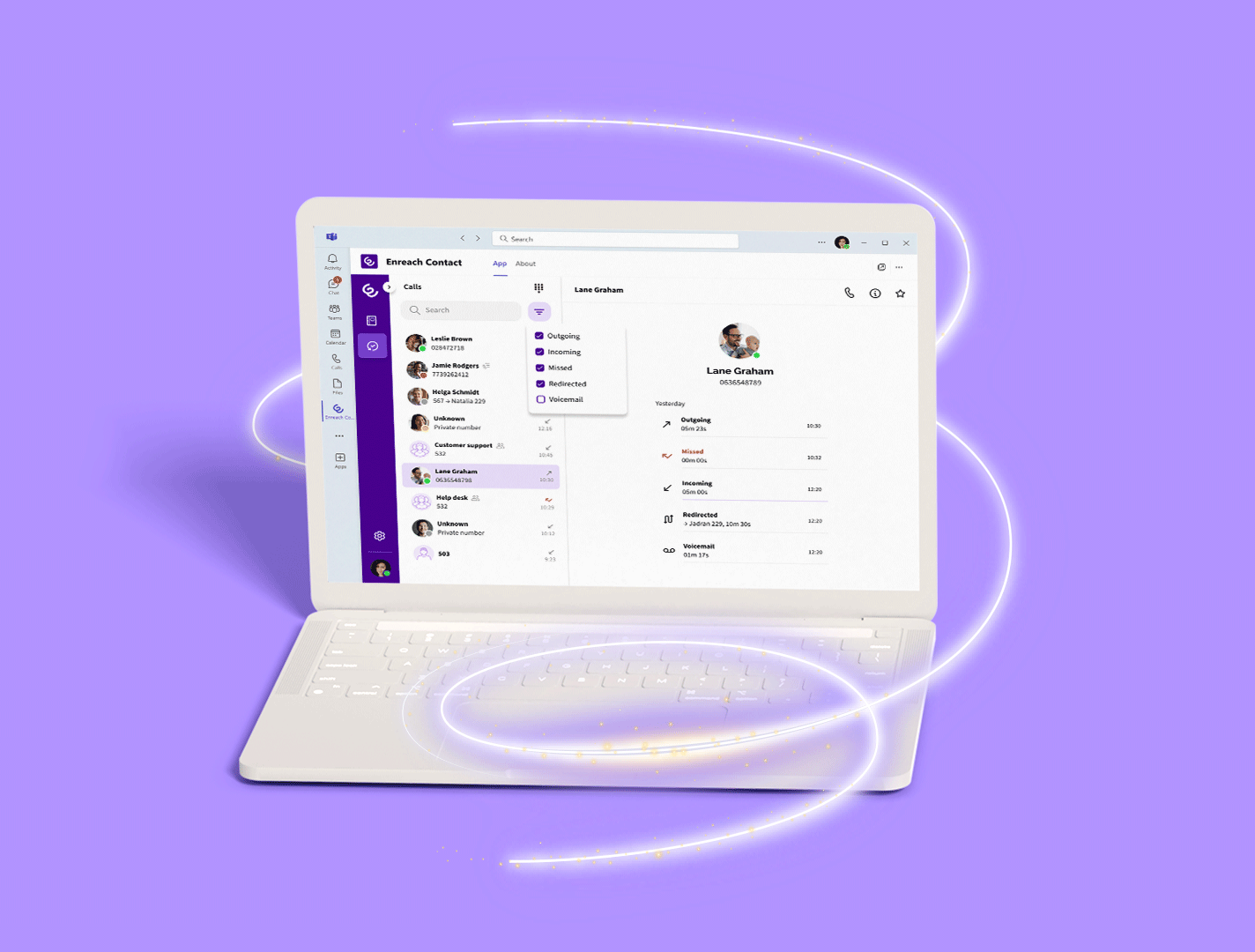
Business communication has evolved dramatically in recent years, and small and medium-sized enterprises across Europe are seeking solutions that combine advanced functionality with ease of use. The softphone has emerged as the ideal solution for teams that require flexibility without compromising on professionalism.
This guide will help you understand what a softphone is, how it can benefit your organisation and what to consider when choosing the right solution for your team.
1. WHAT IS A SOFTPHONE
A softphone is a software application that enables you to make and receive telephone calls over the internet using VoIP technology (Voice over Internet Protocol). Unlike traditional desk phones that rely on physical lines, a softphone turns your computer, tablet or smartphone into a fully functional telephone handset.
There are mobile softphones for iPhone, Android and Windows Phone, as well as desktop versions for Mac, Windows and Linux.
💡 Many softphones are free of charge or include telephony and virtual PBX such as Enreach Contact, the solution offered by the European operator Enreach.
💡 Many softphones use the SIP protocol, which is compatible with the majority of VoIP providers.
2. BENEFITS OF USING A SOFTPHONE IN BUSINESS
- Reduced operating costs: Calls made over the internet lower traditional telephony charges, particularly beneficial for companies with distributed teams, as internal calls are free and national and international rates are more competitive compared to traditional telephony.
- Total flexibility: Your employees can work from any location while keeping the same business number and full access to corporate features.
- Integration with existing tools: Modern softphones connect directly with CRM systems, management platforms and other business applications you already use.
- Effortless scalability: Adding new users does not require additional hardware installation or complex contracts with traditional telecom providers.
3. ESSENTIAL FEATURES IN A BUSINESS SOFTPHONE
Below are the key features a softphone should include to ensure you won’t need to switch provider or app within a year just to meet the essential standards expected in 2026.
CORE FUNCTIONALITIES
- Advanced call management: call transfers, call hold, multi-party conferencing and call recording for monitoring and team training.
- Presence and availability: visual indicators showing each team member’s status, optimising call distribution and internal collaboration.
- Smart voicemail: automatic message transcription and email delivery, ensuring no important communication is missed.
- Internal chat and video calls: it is no longer common practice to use one app for calls and another for team messaging and video meetings. Communications are now unified within the softphone to reduce costs and streamline day-to-day operations.
RECOMMENDED INTEGRATIONS AND CAPABILITIES
- CRM integration: two-way synchronisation with Salesforce, HubSpot, Pipedrive and other customer management platforms, creating a complete interaction history.
- Microsoft Teams integration: telephony integration with Microsoft Teams, if already in use, to unify telephony and internal communication.
- Virtual PBX systems: compatibility with telephony infrastructures, enabling a gradual transition without disrupting operations.
- Analytics and reporting: detailed metrics on call volumes, response times and team performance to support continuous optimisation.
4. SOFTPHONE VS TRADITIONAL TELEPHONY: ADVANTAGES FOR SMEs
COST REDUCTION
- Lower initial investment: while traditional phone systems require hardware, installation and professional setup, a softphone can be deployed using your company’s existing equipment.
- Lower recurring costs: international and inter-office call charges are eliminated, replaced by a predictable monthly flat fee.
- Reduced maintenance: no need for specialised technicians for repairs or upgrades, significantly lowering support costs.
OPERATIONAL FLEXIBILITY
- Remote working by design: employees keep their business extension when working from home, satellite offices or during business travel.
Instant scalability: adding new users takes minutes rather than weeks of planning and installation.
Advanced features included: capabilities that require costly add-ons in traditional telephony are included by default or activated instantly via subscription, without the need to replace hardware.
SPECIFIC ADVANTAGES FOR THE EUROPEAN MARKET
- Simplified regulatory compliance: cloud-based solutions make it easier to comply with European telecommunications and data protection regulations.
- Multilingual support: having an interface and technical support available in local languages is essential for teams based across Europe.
- Optimised latency: European-based servers ensure superior call quality compared with solutions hosted on other continents.
5. HOW TO CHOOSE THE RIGHT SOFTPHONE FOR YOUR TEAM
ASSESSING YOUR BUSINESS NEEDS
- Team size and growth projections: consider not only your current situation but where you expect to be in 2–3 years. The best solutions scale with you without penalties.
- Communication patterns: analyse whether your team mainly makes local, national or international calls. Some providers offer specialised tariffs depending on usage profiles.
- Team’s technical capability: honestly assess your employees’ technical skills. The best solutions are powerful yet intuitive.
KEY SELECTION CRITERIA
- Guaranteed call quality: look for providers offering specific SLAs covering voice quality and service availability.
- Accessible technical support: prioritise companies that provide support in your language and time zone, with technicians who understand the European business landscape.
- Transparent pricing: avoid providers with hidden costs or overly complex pricing structures. Billing should be clear and predictable.
- No-obligation trial: the best solutions offer genuine trial periods — not limited demos — so you can properly assess the impact on your daily operations.
KEY QUESTIONS TO ASK PROVIDERS
- Where are your servers located and how do you ensure GDPR compliance?
- What level of technical support is included in the base price?
- How do you manage integrations with our existing systems?
- What is your policy regarding updates and new features?
- Do you provide training for our team during implementation?
6. ESSENTIAL TECHNICAL SET-UP FOR USING SOFTPHONES
Below are the minimum requirements any business needs in order to successfully use VoIP via softphones:
- Network quality: ensure your internet connection provides sufficient bandwidth and low latency. A high-quality call requires approximately 100 kbps per simultaneous conversation.
- Appropriate equipment: invest in professional headsets with noise cancellation. Audio quality directly impacts your customers’ perception of professionalism.
- Firewall configuration: work with your softphone provider to correctly configure the necessary network ports for using IP telephony without compromising security.
7. HOW A SOFTPHONE WORKS
A softphone works in a straightforward way:
- The softphone is configured using the details of your virtual line or extension. These details are provided by your IP telephony provider.
- Once you have entered your credentials, it connects via the internet to register your phone line.
- As soon as it connects, your line becomes active and you can make and receive calls through your softphone.
- If someone calls your virtual landline number, the call will ring on your softphone.
- If you call someone from your softphone, they will see your virtual landline number as the caller ID.
8. BEST FREE SOFTPHONES
ZOIPER
Zoiper is one of the best-known softphones on the market. Among its advantages is that it runs in the background on Android and iPhone smartphones and allows you to configure reconnection intervals.
It offers both a free and a paid version.
One drawback is that the free version lacks certain features that are particularly useful in a business environment, such as call transfer.
Compatible with:
- iPhone
- Android
- Windows Phone
- Windows
- Mac
- Linux
GRANDSTREAM WAVE
This softphone offers users a wide range of features such as call transfer and rule-based automatic call forwarding. All of this is included at no cost.
Although Grandstream’s solution includes advanced features free of charge, its interface involves a relatively steep learning curve, lacks advanced CRM integrations and, outside the manufacturer’s own PBX systems, its configuration can be complex.
Compatible with:
- iPhone
- Android
9. BEST PAID SOFTPHONES
ENREACH CONTACT
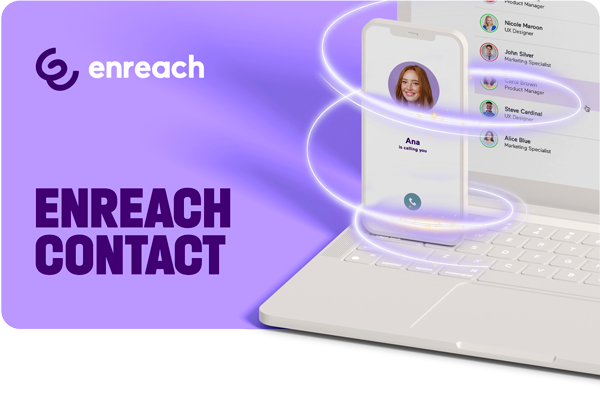
Enreach Contact is the softphone available for Android, iPhone, desktop and browser (webRTC) that includes, in addition to all telephony features (calls, transfers, presence indicators), internal chat and video calls.
The price of Enreach Contact always includes telephony and a virtual PBX, allowing you to port your lines to reduce costs and benefit from a fully unified service delivered by a specialised operator.
It is worth noting that, in addition to offering the most comprehensive feature set (internal communication + telephony), there is no need to configure SIP accounts individually for each employee, as is the case with Zoiper. Configuration is extremely simple: each user simply enters their username and password to get started.
10. DISADVANTAGES OF USING A SOFTPHONE
- It must be installed on each computer and configured individually. If your company only has two employees this may not be an issue, but even so, using a webphone is often easier. A webphone performs the same function as a softphone but requires no installation or configuration: simply access it via a web browser (Chrome, Firefox, etc.) with your username and password and you’re ready to go.
- When used on mobile devices, the line may drop and calls can be missed. A softphone works very well for making calls, as opening the app forces it to reconnect. However, when running in the background, it may occasionally lose connection and incoming calls can be missed. This happens regardless of the provider. Increasing the reconnection frequency can reduce the issue, but occasional line drops may still occur. If full mobility is essential, the best solution is to use mobile lines integrated with your PBX, thereby avoiding missed calls.
 Subscribe
 Ask for a demo